Does PushAI need a third-party service like OneSignal?+
No. PushAI sends notifications directly from your WordPress server using the native Web Push standard and your own VAPID credentials. You own your subscriber list, and there is no monthly per-subscriber cost.
Where are my subscribers stored?+
In your own WordPress database. You control all subscriber data — no vendor lock-in. PushAI also includes GDPR export and erasure tools so you can honor data requests natively.
How do I add a subscribe button to my site?+
Use the `[pushai_button]` shortcode. Drop it into any page, post, or widget. Visitors tap it once, grant browser permission, and you can reach them with push notifications — even when they leave your site.
Can I send notifications to specific subscribers?+
Yes. Free lets you target individual subscribers, schedule a send, and filter the subscriber list by mobile or desktop. Pro adds audience segments by WordPress role, device, category, or tag — plus WooCommerce order triggers so customers get updates automatically.
How do category and tag segments work?+
They are not a topic-interest list. A category or tag segment reaches logged-in subscribers who published a post in that term, or left an approved comment on one. Guests are never included. Role, device, category, and tag filters apply together; within one group, any selected value matches.
What if a user isn't subscribed to browser push?+
PushAI has an optional email fallback. For every notification, registered users who don't have an active browser push subscription are emailed instead — so your message still reaches them. Each user can opt out from their own profile. Email fallback is not device-aware.
What does AI content digest do?+
Pro automatically gathers your latest posts and sends a push digest on your schedule. You need an AI API key for AI-written summaries; without one, a built-in template keeps digests flowing. It's the only self-hosted push plugin with this feature.
What is Trending Today?+
A Pro feature that watches your most-read posts and automatically sends a notification when one hits popular status. It drives re-engagement by highlighting content subscribers are already talking about.
What is the PWA (Progressive Web App)?+
Pro includes a built-in PWA so subscribers can install your site as an app on their home screen — just like a native app, but it's just your website. It works offline and sends notifications even when the browser is closed.
How does analytics and UTM tracking work?+
Pro tracks every click in your notifications with signed links. You see which links were clicked most, how many people converted, per-category performance, audience-segment CTR, and A/B variant CTR over 7, 30, or 90 days. UTM parameters let you tie notification traffic back to your analytics tool.
Do I need to know code to use PushAI?+
No. Free is fully usable from the WordPress admin — compose notifications, schedule a send, manage subscribers, and set up automations with no code. WP-CLI can process the same delivery queue. Pro adds a developer API, signed webhooks, and an inbound REST trigger for Zapier or Make, all optional.
Is there a limit on how many subscribers I can have?+
No. Both Free and Pro have unlimited subscribers and unlimited sends. You only pay once for Pro ($21/year), no matter if you have 100 subscribers or 100,000. This is the biggest difference from OneSignal or PushEngage.
Does PushAI work with WooCommerce?+
Yes, Pro only. PushAI Pro sends automatic push notifications for new orders, stock alerts to admins, order status updates to customers, and AI-powered cross-sell suggestions. Abandoned-browse reminders cover non-product posts so they do not overlap with abandoned-cart alerts.
What WooCommerce notifications does Pro send?+
Order confirmations and status updates go to customers. Admins get alerts for new orders, low stock, and status changes. Pro also sends AI-suggested cross-sell products to customers after they complete an order — designed to increase average order value.
Do I need a separate WooCommerce plugin for push notifications?+
No. PushAI Pro handles everything — there's no extra plugin to install. Notifications are set up in PushAI itself, they live in your database, and they're delivered from your server. It's all in one place.
Does PushAI need an AI API key for AI digests?+
No, it's optional. With an API key, Pro sends AI-written content summaries. Without it, PushAI uses a built-in template so digests still work. The cross-sell recommendations in WooCommerce are rule-based, not AI.
Which browsers support PushAI web push notifications?+
PushAI works on Chrome, Firefox, Edge, and Safari — including iOS 16.4+ when your site is added to the Home Screen. HTTPS is required in production, but localhost works for development.
What are the minimum requirements to run PushAI?+
WordPress 6.4 or higher, PHP 8.1 or higher, and an HTTPS-enabled site. PushAI uses the minishlink/web-push library for standards-compliant delivery — no additional server software needed.

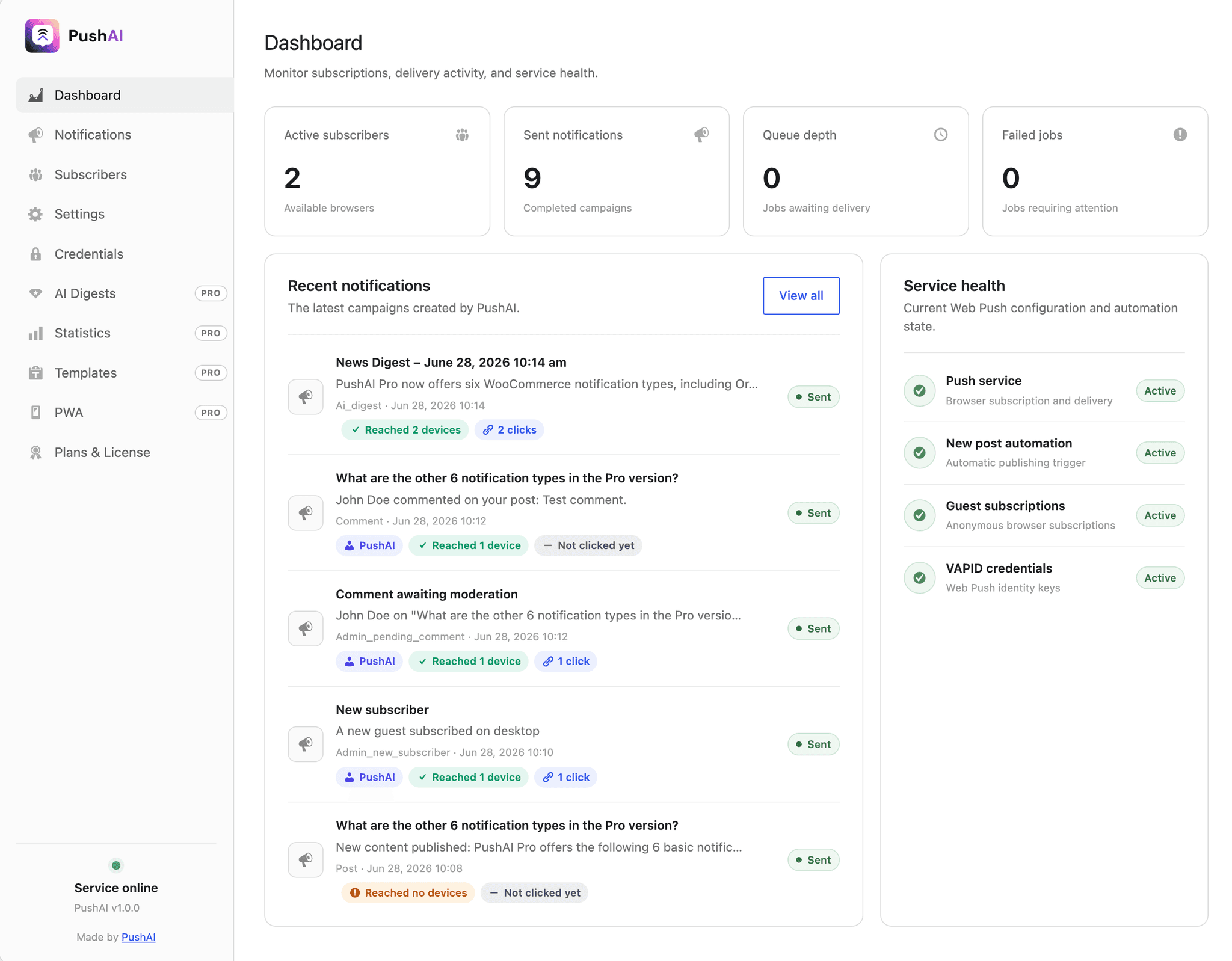

Trusted by WordPress teams worldwide
From solo bloggers to WooCommerce stores — PushAI powers self-hosted push notifications for growing WordPress sites. Join the community.
Join the community